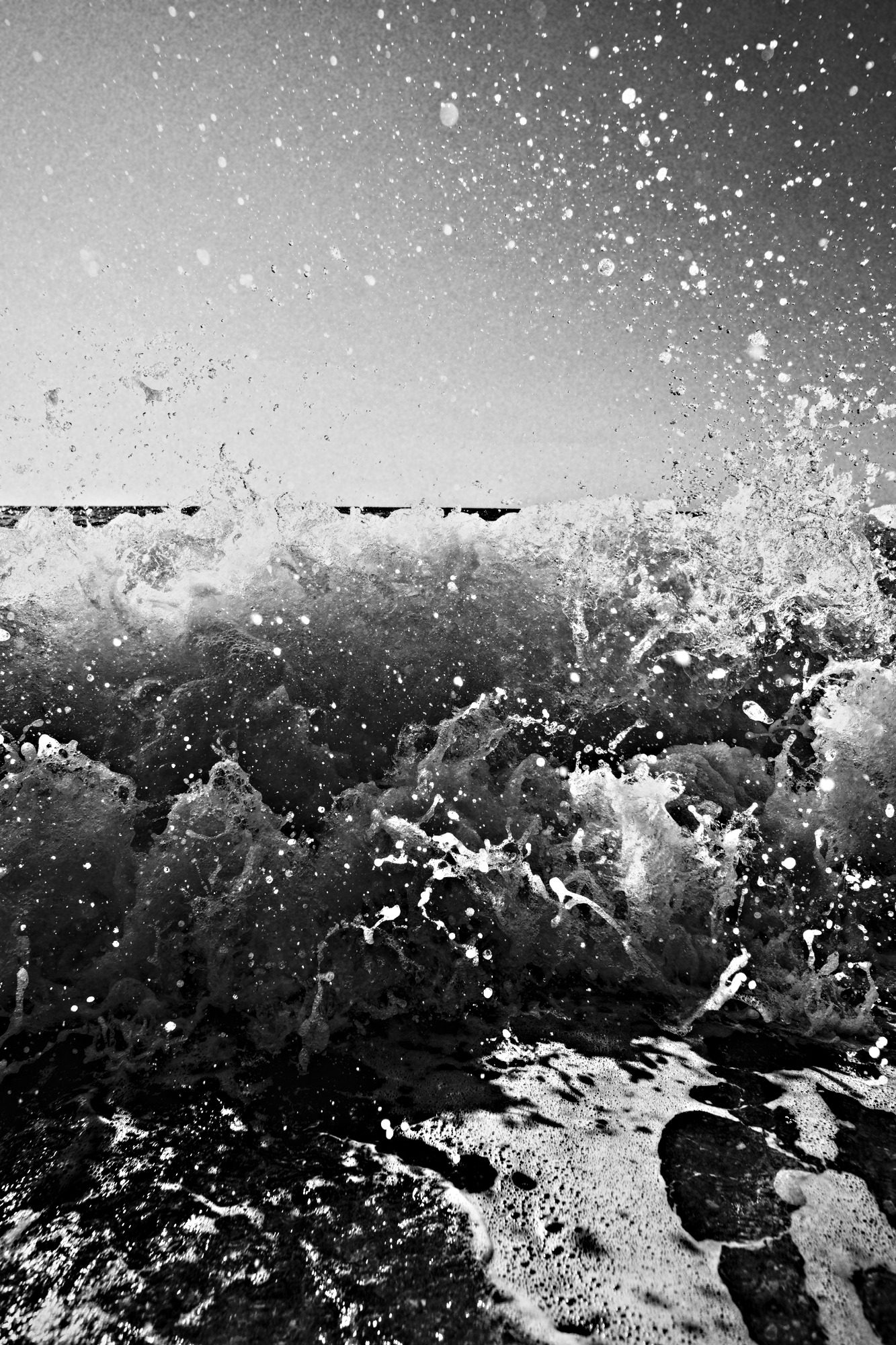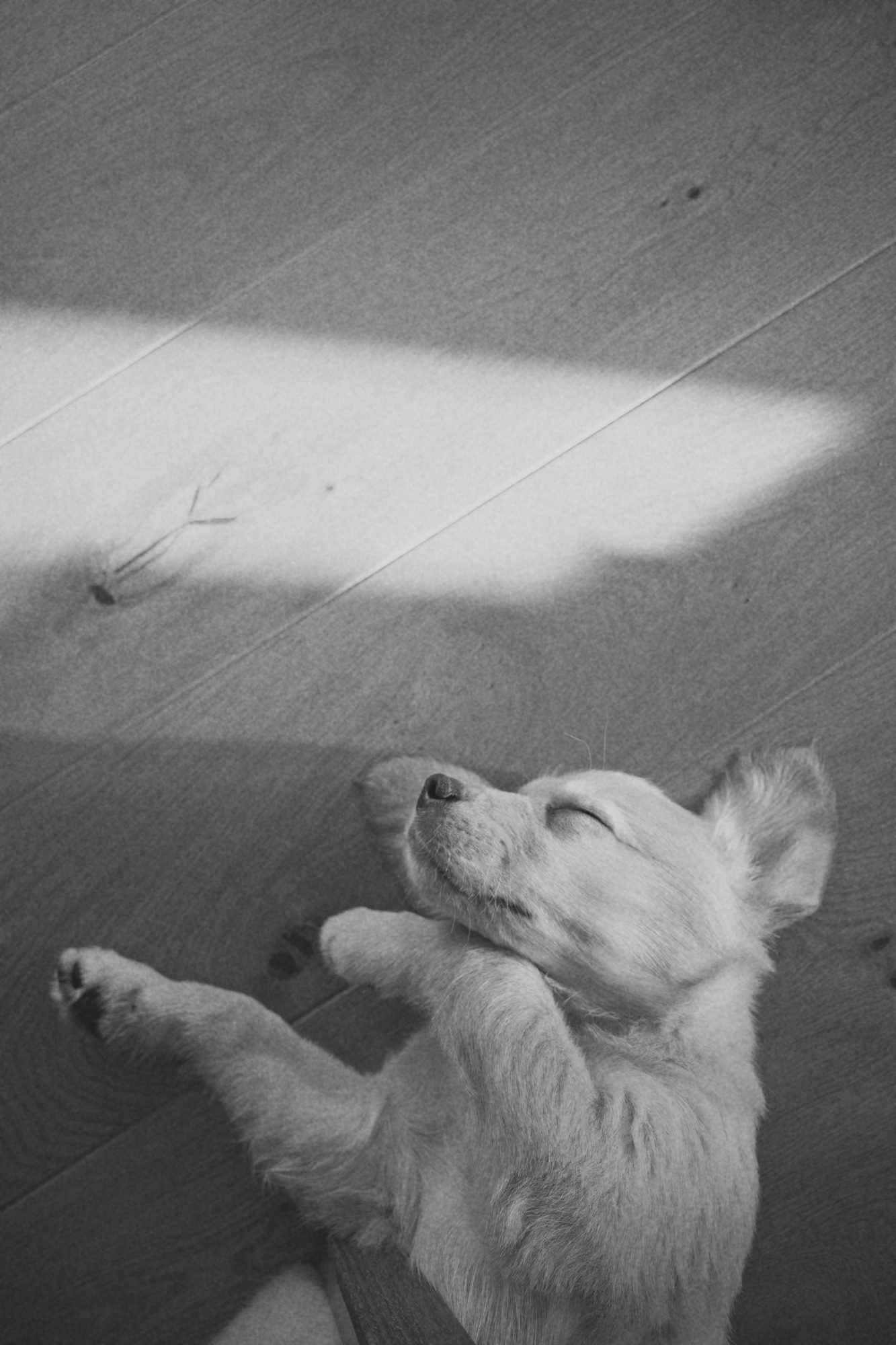
Low contrast, airy highlights. Kind to faces and window light.
ISO 50 ▸ 36 EXPAuto develop · for iPhone
Shoot in color with the Camera you already use. Automono quietly adds a black & white print of every picture, right beside the original.

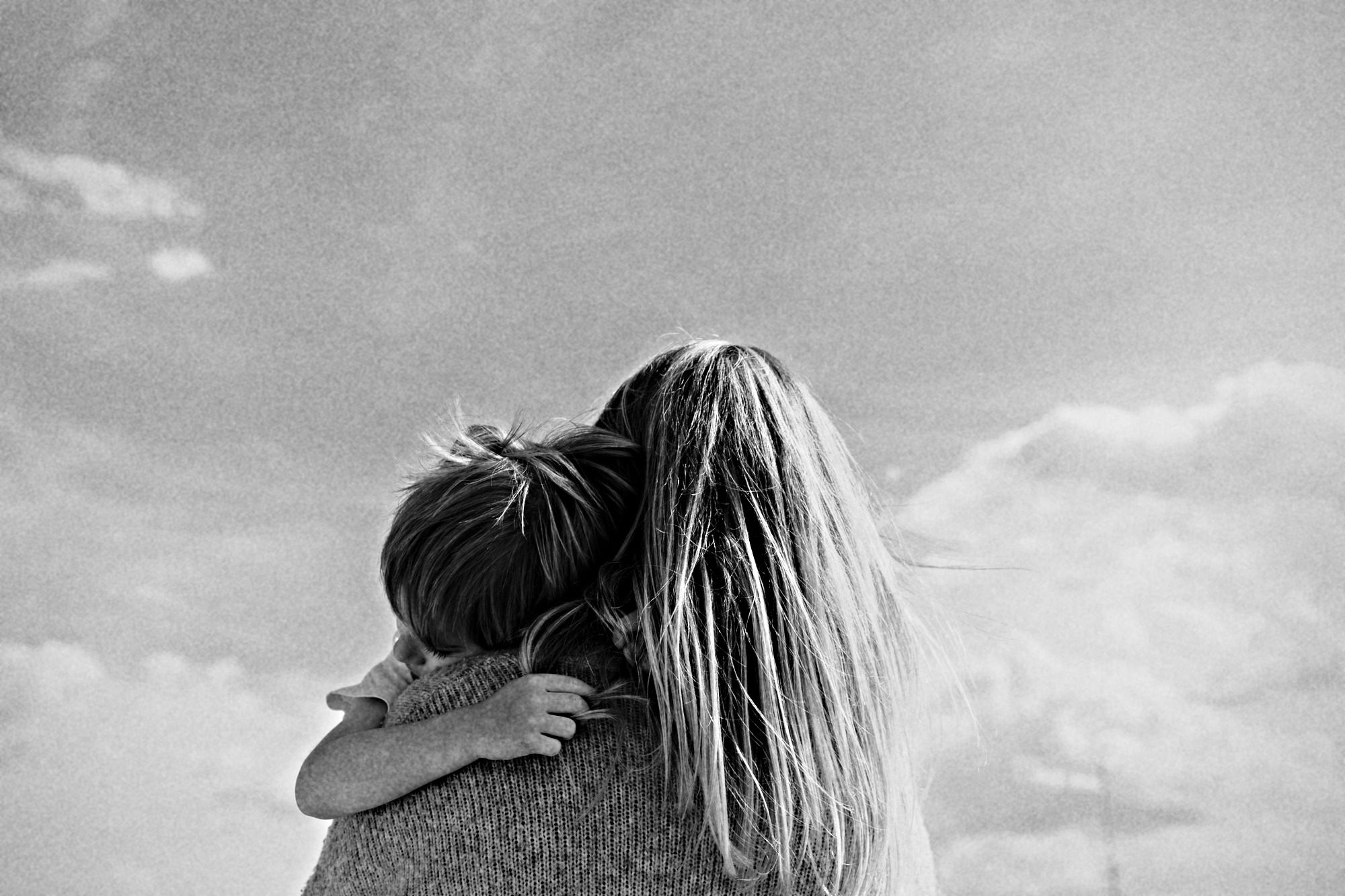 Color
Noir 400
No new camera to learn.
AUTO DEVELOP ● ON
Take pictures with the built-in Camera, exactly as you do today. Portrait, ProRAW, Live Photos: all welcome.
Automono picks up each new photo and develops it from the best data your iPhone saved, RAW included.
The black & white print is filed beside your untouched color original, with the same date and place.
Four looks, each named for its character and rated like film: the faster the speed, the more the grain.
Low contrast, airy highlights. Kind to faces and window light.
ISO 50 ▸ 36 EXP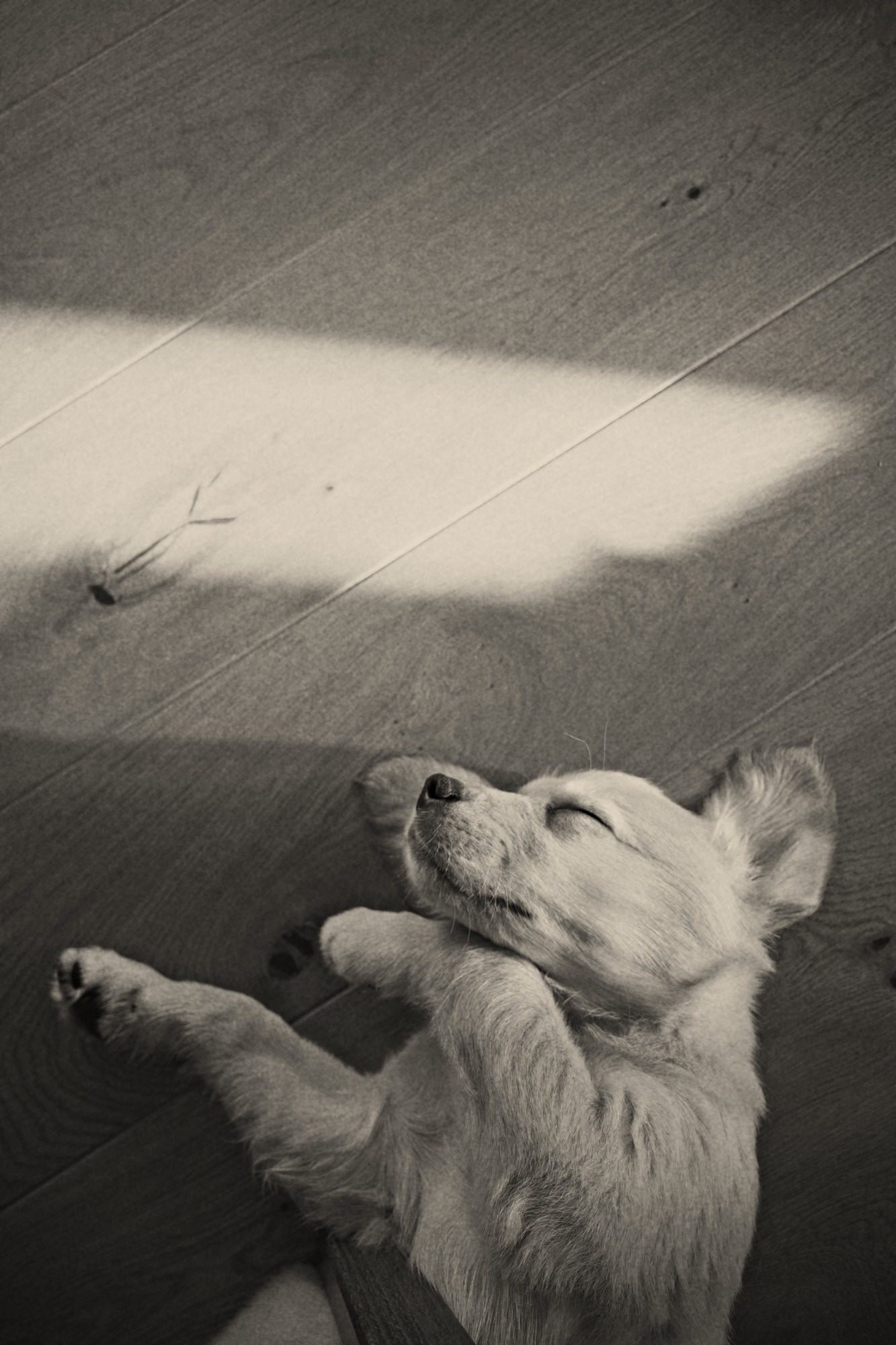
A subtle warm tone, like a fiber print fresh from the wash.
ISO 100 ▸ 36 EXP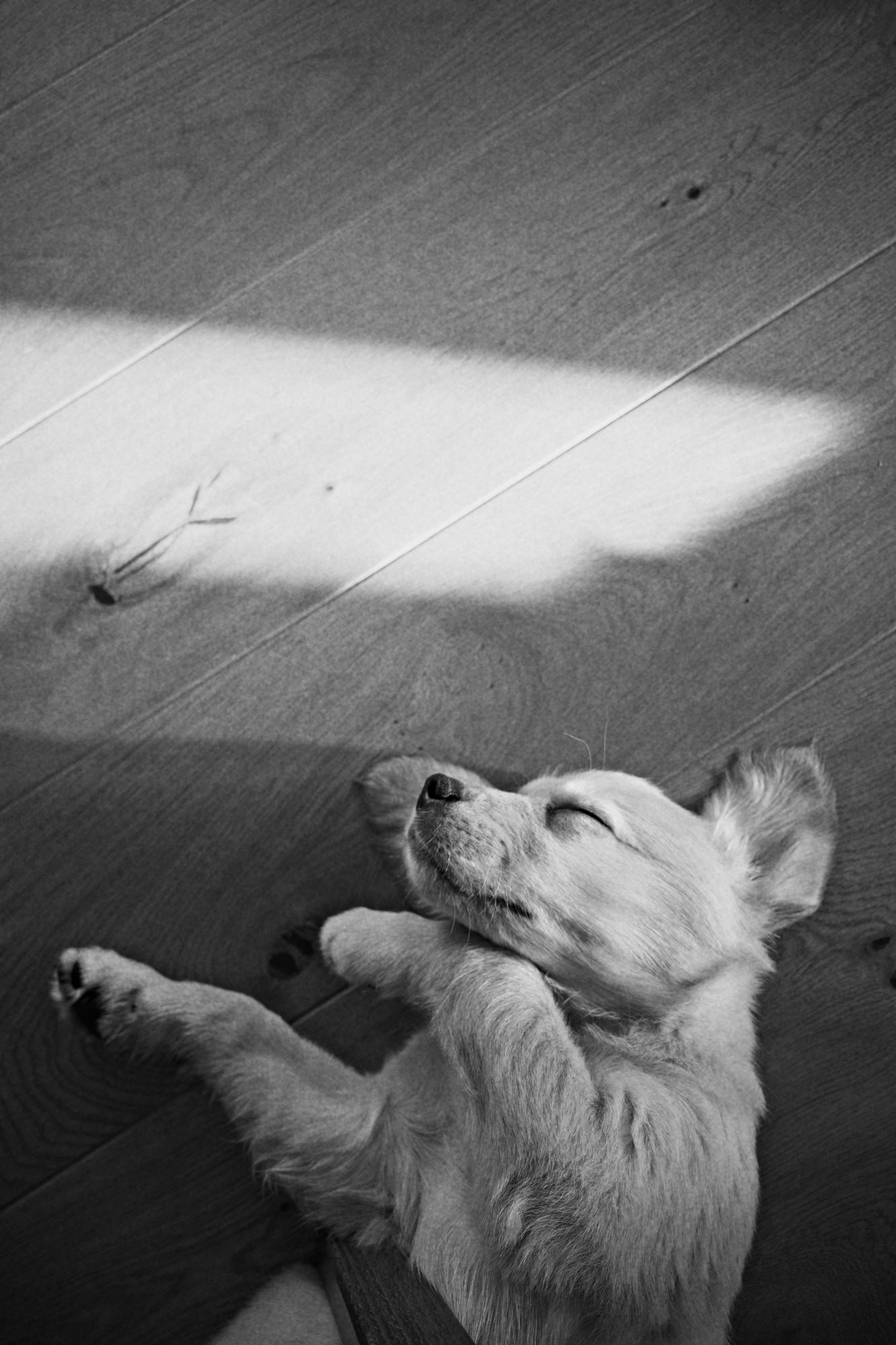
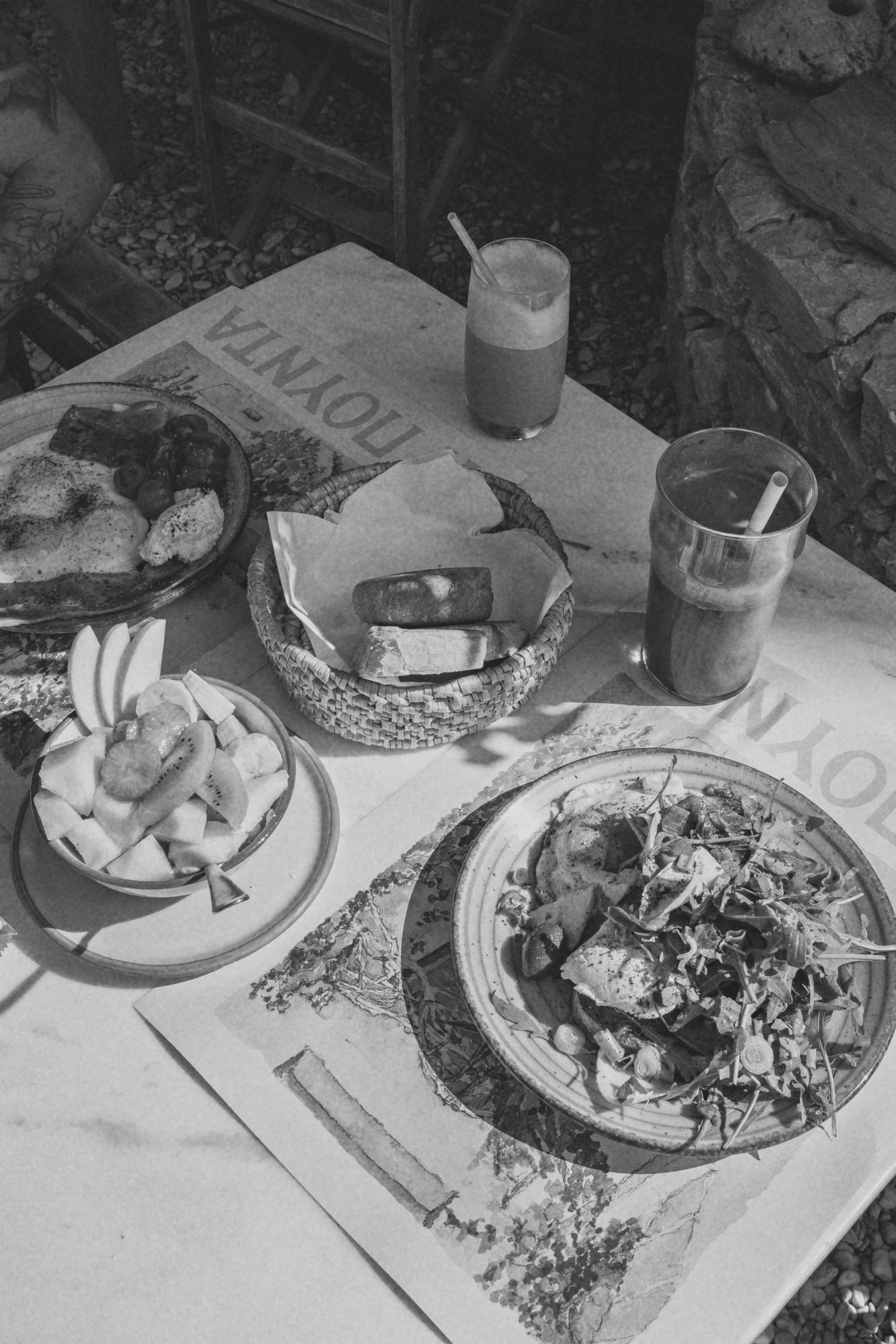
Fine grain and the full tonal range. The everyday stock.
ISO 125 ▸ 36 EXP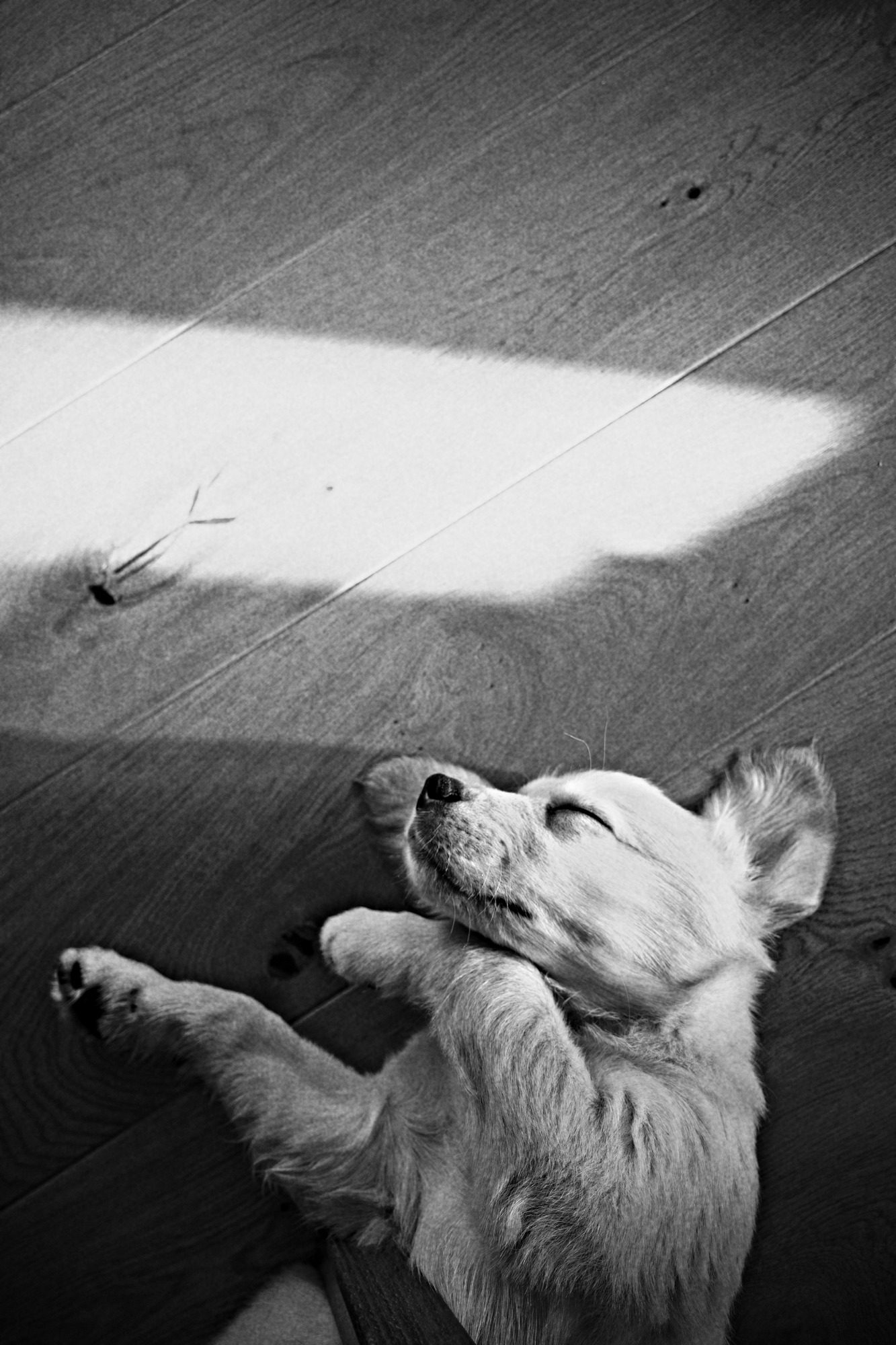
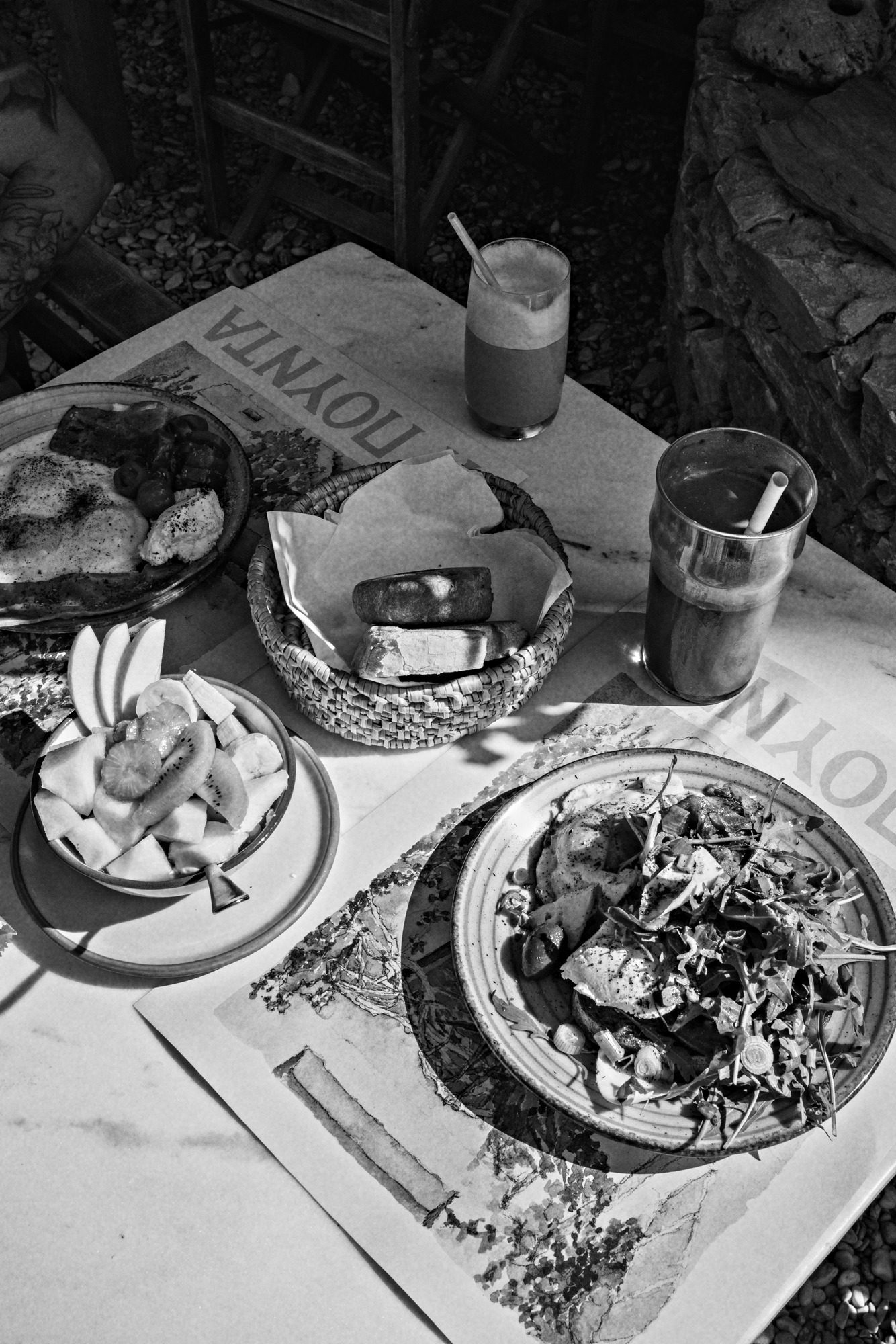
Red-filter contrast: deep blacks, dark skies, glowing skin.
ISO 400 ▸ 36 EXPWhen you shoot ProRAW, Automono develops from the RAW file itself. Otherwise it uses the full-resolution original, never a preview.
Every print is a full-resolution 10-bit HEIC, so skies and skin stay smooth with no banding.
Prints keep the original's date, location and camera details, so they sit right next to it in your library.
Automono only ever adds. It never edits or deletes a photo, and leaves screenshots and saved images alone.
A single Shortcuts automation wakes Automono whenever you close the Camera, so your prints appear within seconds, without opening the app.
It's optional. Automono shows you exactly what to tap and ticks the box once it's working. Prefer to stay in control? Open Automono and tap the developing tank whenever you want your prints.
Privacy
Data not collected.
Everything happens on your iPhone. No account, no uploads, no analytics, no ads. Your photos never leave your phone.
No. Keep using the iPhone's built-in Camera app. Automono works in the background and adds the black & white prints for you.
No. Automono only develops photos taken after you install it, and skips screenshots and images saved from other apps.
Never. Your color originals stay exactly as they are; Automono only adds new black & white copies.
iPhone doesn't let apps run in the background all the time, and only you can create automations. The one-time automation lets iOS wake Automono whenever you close the Camera.
An iPhone running iOS 17 or later. ProRAW is used automatically on iPhones that support it, when you shoot in ProRAW.